Curves, gradients and groups
Until now Nilo could only draw straight things. Lines, polygons, circles. Paint was one flat colour at a time. And there was no way to take a handful of marks and treat them as one thing.
Those are three gaps I would hit in the first ten minutes of any real piece. So they went in next. As before, I said what I wanted and the model built it.
A curve
One new mark, curve, beside the line and the polygon. Give it points and it draws a smooth line through them.
Close it and it is a shape to fill.
curve(points, closed: true, fill: #1d2b3a)The smoothing maths is written in Nilo, like the libraries. A piece that draws no curves pays nothing for it.
A gradient
A gradient is a paint. It goes anywhere a colour goes: a fill, a stroke, the background.
background(linear(vec(0, 0), vec(0, 1700), [#1d2b3a, #3e5c76, #ece6d8]))There is a straight one, linear, and a round one, radial. The colours spread evenly unless I say where each
one sits.
This needed a new type. A colour can be used as a paint, but a paint is not a colour: I cannot ask a gradient how light it is. If I hand a gradient to something that wants a colour, the compiler stops and tells me what to write.
A group
No new word here. Nilo already had place, which puts a block of drawing somewhere, turned and scaled. It gained
two things: fade the whole block as one, and cut it to a shape.
place(opacity: 0.6, clip: outline) {
  brush.sweep(marks, path, 180, tone)
}
Fading as one matters. Fade each stroke on its own and every overlap shows as a darker patch. Fade the group and it reads as a single wash.
Hills
A test piece that uses all three. Ridges are closed curves filled with a gradient. Each ridge is then worked over with brush sweeps, faded together and cut to the ridge’s own outline. The sky is a gradient and so is the glow.
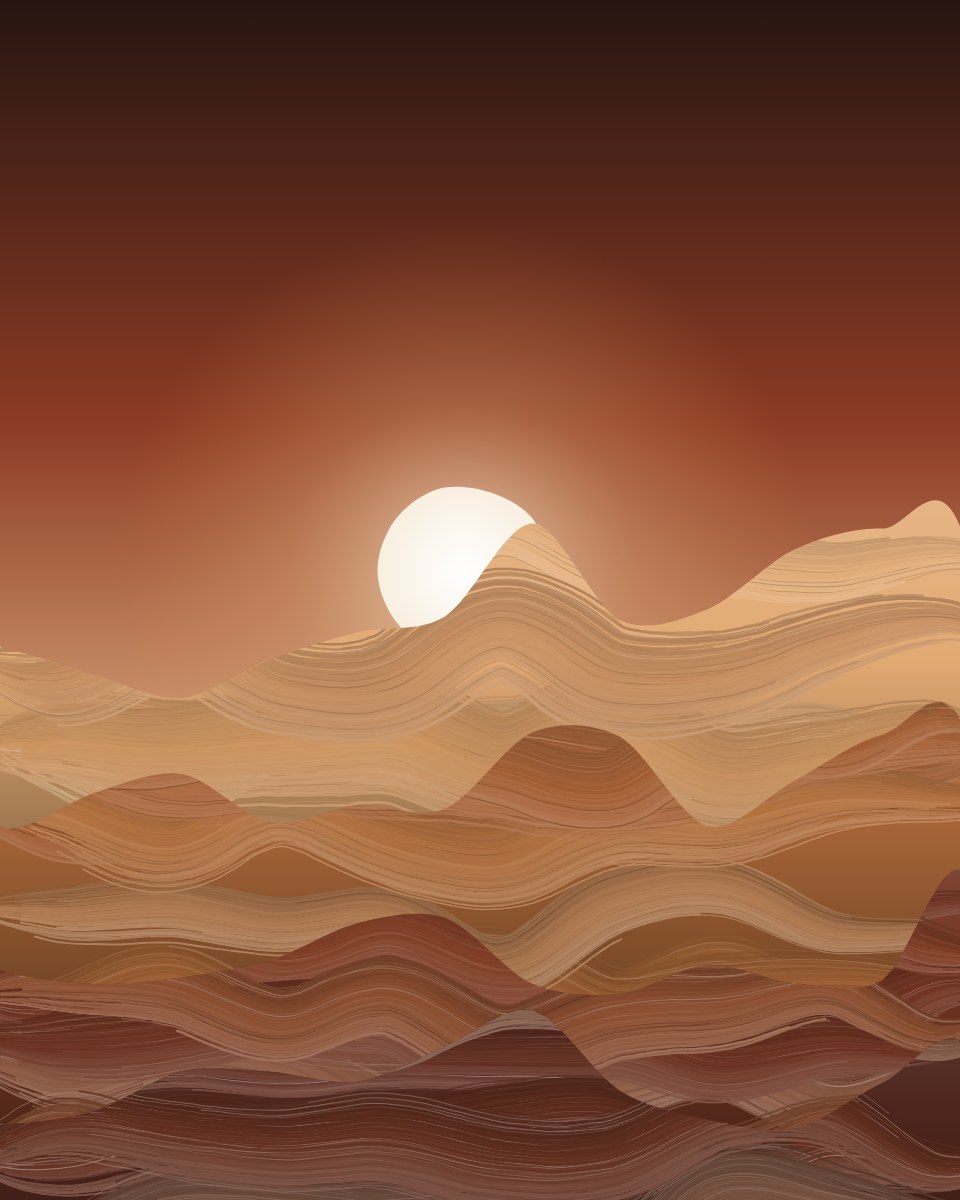
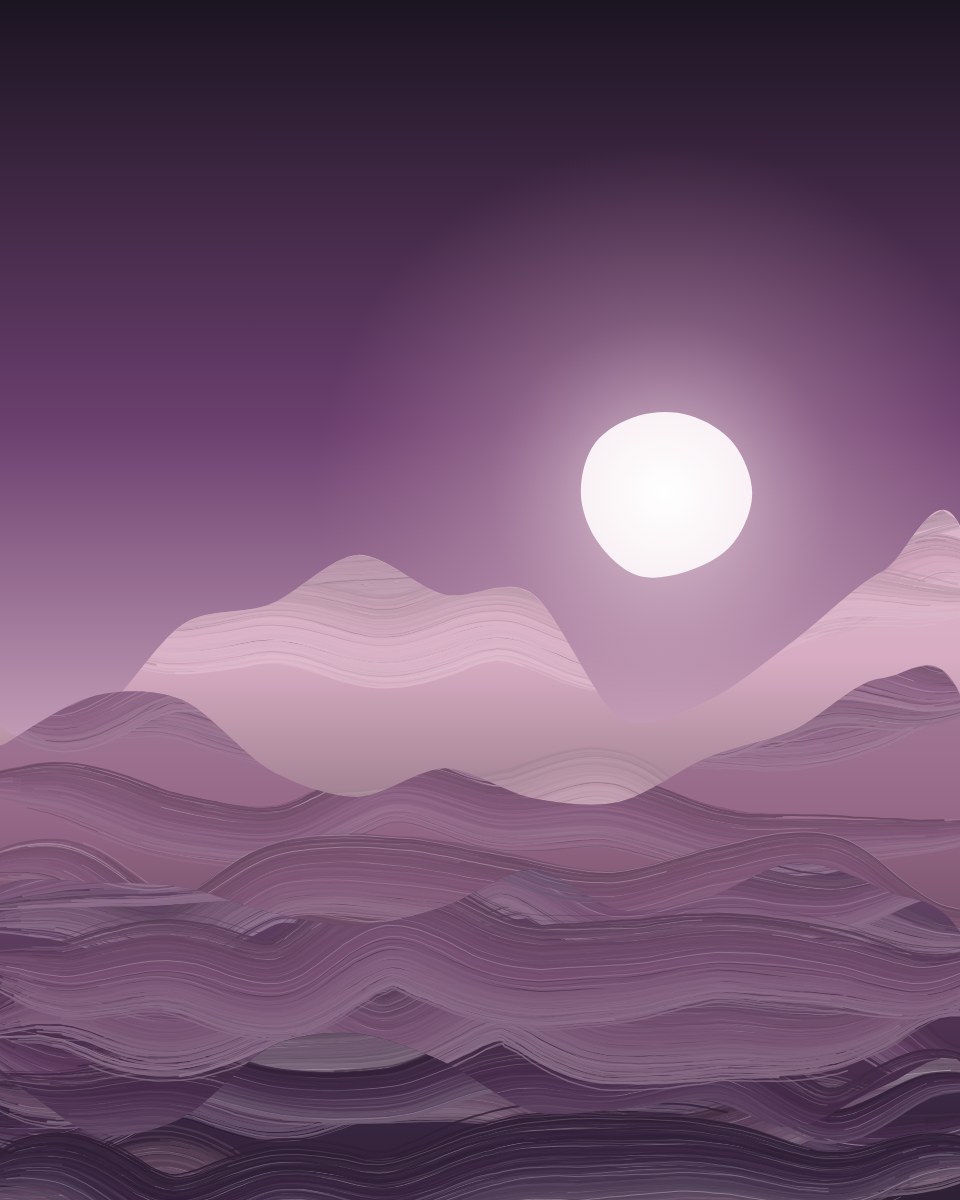
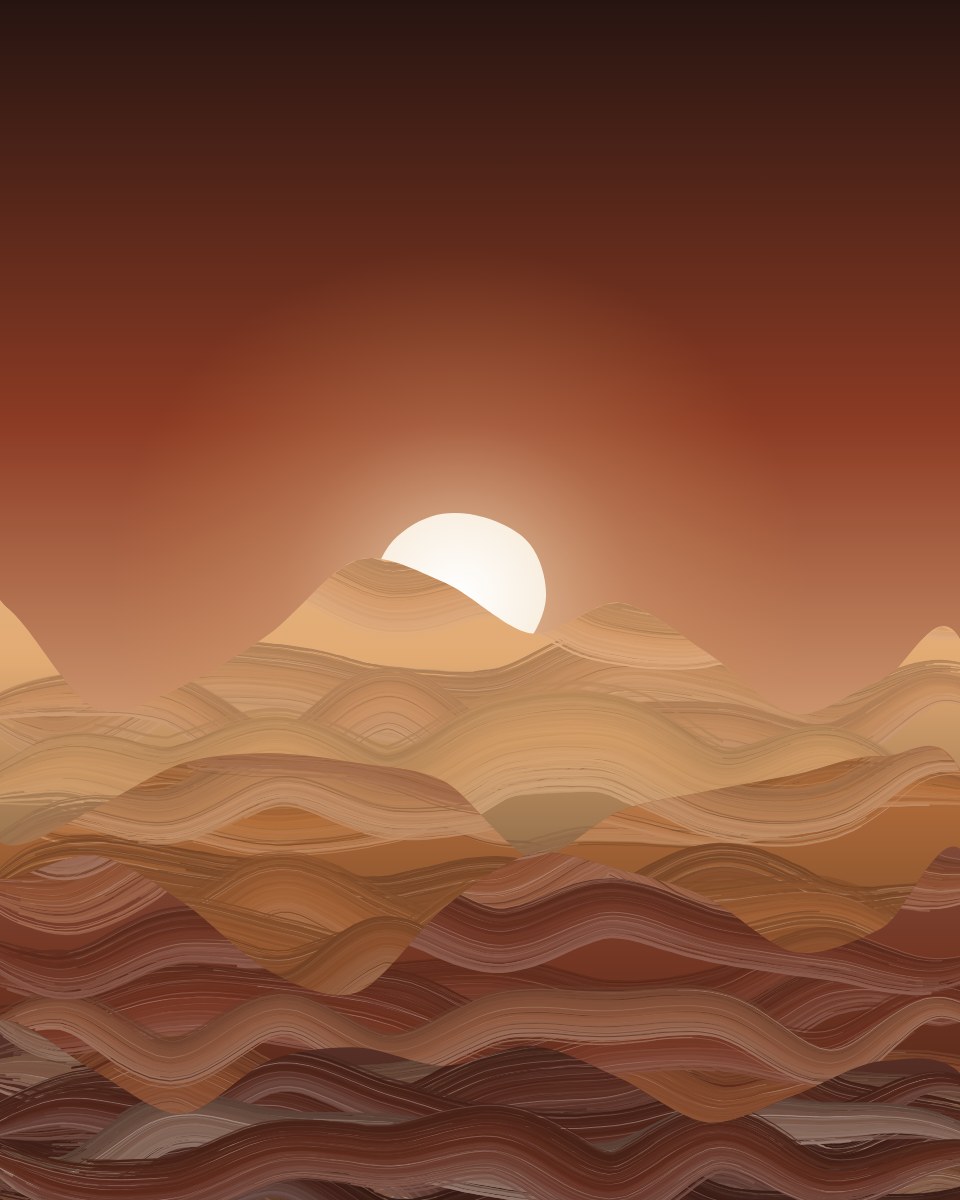
I do not like it much as a piece. It is flat and tidy, closer to an illustration than to paint, and the brush runs in regular waves. But that is the piece, not the language. Everything in it is doing what it was asked to do.
What ships
| Part | Bytes |
|---|---|
| The piece’s own code | 3,020 |
| brush | 2,057 |
| spline | 707 |
| noise | 457 |
| colour | 233 |
| Compiler helpers | 588 |
| Total | 7,062 |
The whole piece
Forty-three lines of code.
// hills: ridges of smooth curves under a gradient sky, each worked with brush sweeps cut to its own outline
plate(1920, 2400)
use noise v1, colour v1, brush v1, spline v1
random layout, paint, marks

// three ramps, dark to pale; the token takes one
let ramps = [#1d2b3a, #3e5c76, #9fb4c7, #ece6d8, #3b1f1a, #8c3b24, #d98e4a, #f2dfc2,
  #2a1f33, #6b3f6e, #c98fae, #f3e3ea]
let pick = paint.int(0 ..< 3) * 4
let ramp = [ramps[pick], ramps[pick + 1], ramps[pick + 2], ramps[pick + 3]]
let field = noise.table(layout)

// n points round a circle, the radius wobbling a little
fn blob(c: vec, r: num, n: int): vec[] {
  let out = vec[]
  for i in 0 ..< n { out.add(c + polar(TAU * i / n, r * layout.float(0.95 ..< 1.05))) }
  return out
}

// the sky, and a low sun with its glow
background(linear(vec(0, 0), vec(0, 1700), [colour.darken(ramp[0], 0.35), ramp[1], colour.at(ramp, 0.85)]))
let sun = vec(layout.float(500 ..< 1400), layout.float(900 ..< 1250))
let glow = radial(sun, 700, [rgba(ramp[3], 0.85), rgba(colour.lighten(ramp[2], 0.3), 0.3), rgba(ramp[2], 0)])
curve(blob(sun, 900, 8), closed: true, fill: glow)
curve(blob(sun, 170, 10), closed: true, fill: radial(sun, 170, [#ffffff, colour.lighten(ramp[3], 0.5)]))

// four ridges, far to near, each lower and darker
let ridges = 4
for k in 0 ..< ridges {
  let near = k / (ridges - 1)
  let base = 1250 + near * 900
  let outline = vec[]
  for i in 0 ..= 12 {
    let x = -160 + i * 175
    outline.add(vec(x, base + 340 * noise.octaves(field, vec(x * 0.0011, k * 7 + 3), count: 3) * (1 - near * 0.4)))
  }
  outline.add(vec(2100, 2600))
  outline.add(vec(-200, 2600))
  let shade = 0.78 - near * 0.62
  let ink = colour.mix(colour.at(ramp, shade), ramp[0], near * 0.55)
  let top = base - 380
  // the body: dark at the foot, lit along the crest
  curve(outline, smooth: 0.9, closed: true, fill: linear(vec(0, top), vec(0, top + 900), [colour.lighten(ink, 0.18), ink, colour.darken(ink, 0.4)]))
  // brush sweeps across it, faded together as one wash and cut to the same curve
  place(opacity: 0.55 + near * 0.3, clip: curve(outline, smooth: 0.9, closed: true)) {
    for s in 0 ..< 9 + k * 4 {
      let y = layout.float(top + 100 ..< base + 800)
      let drag = vec[]
      for i in 0 ..= 10 { drag.add(vec(-100 + i * 220, y + 90 * noise.at(field, vec(i * 0.5 + s, y * 0.004 + k)))) }
      let v = colour.mix(ink, colour.at(ramp, layout.unit()), 0.35)
      brush.sweep(marks, spline.sample(drag, 8), layout.float(110 ..< 260), [colour.darken(v, 0.3), v, colour.lighten(v, 0.25)], opacity: 0.8, density: 0.6, body: 0.4)
    }
  }
}
What is not right yet
- Curves draw on the SVG target only. The canvas target still has no marks of this kind.
- Fading a group works on SVG only. Canvas refuses it and says what to use instead.
- A gradient cannot be handed back from a function or kept in a list.
When this was first written there were two more. Smoothing was a second call wrapped inside the first, and a clip had to be a polygon, so clipping to a curve meant turning the curve into points by hand. Both were fixed soon after, and the code on this page is the code as it stands now. That change is in entry 8.